
Use case · Files
Move files and captures without losing the thread.
The problem
Moving one file between two folders or apps usually means two windows, a careful drag and a lost place in both.
How Supermac helps
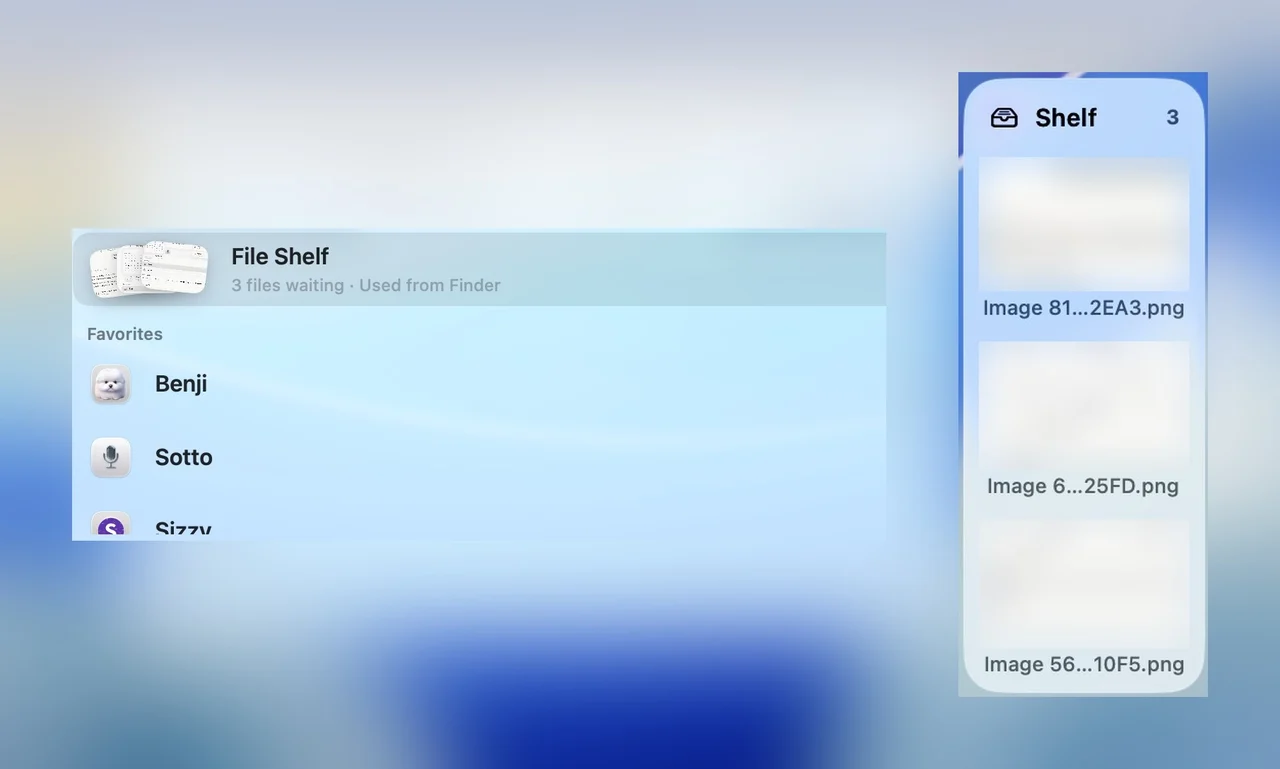
The File Shelf is a holding spot between the source and the destination. Drop files in, navigate, then drag them out. Screenshots and GIFs land where you need them without opening another app.
Park the file
Drop files onto the File Shelf from Finder or any app, move to the destination, then drag them out where they belong.
Capture the screen
Start a Screenshots capture from Supermac: the whole screen, a window or a selection.
Grab a GIF
Search gifs.so with GIF Search and copy the result as a file, a link or Markdown, ready to paste.
Open the folder
Start a Warp tab in the current Finder folder when the file needs to go with you into the terminal.
Plugins in this workflow
Read the docs
Get Supermac
One native Mac app for the workflows on this page.